Download WinBox and connect to Mikrotik.
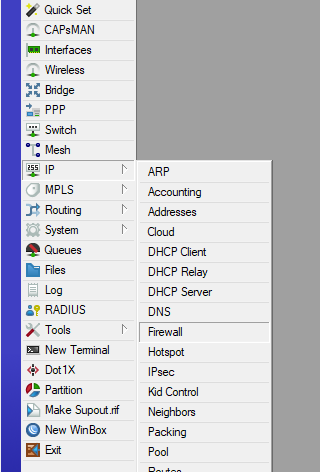
Select “IP” – > “Firewall”.
Select NAT.
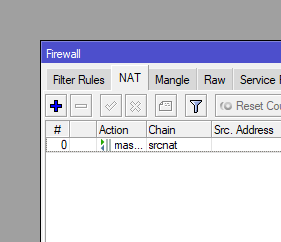
Click on plus and select “Chain” -> “dsnat”.
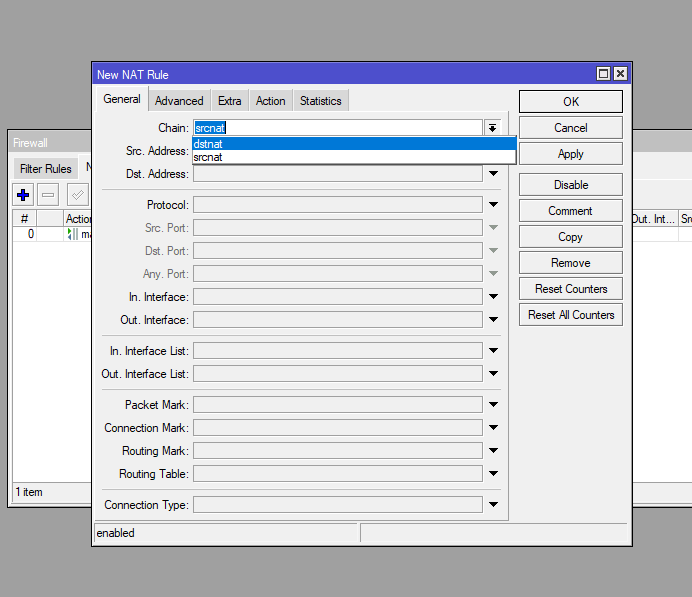
Enter dst.address – this is tipically public IP address of Mikrotik router.
Enter protocol type (for HTTP this is “tcp”).
Enter dst.port – port, what will be NAT-ed.
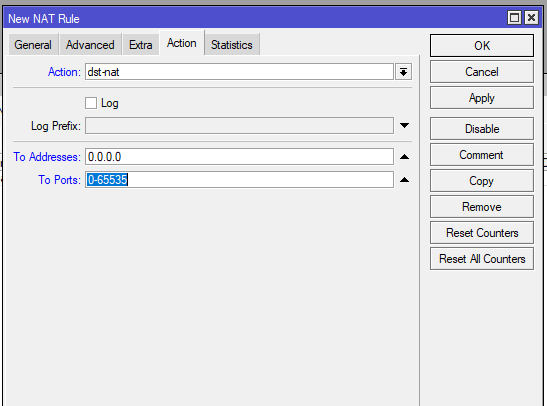
Click “Atcion” tab.
Select “Action” -> “dst-nat”.
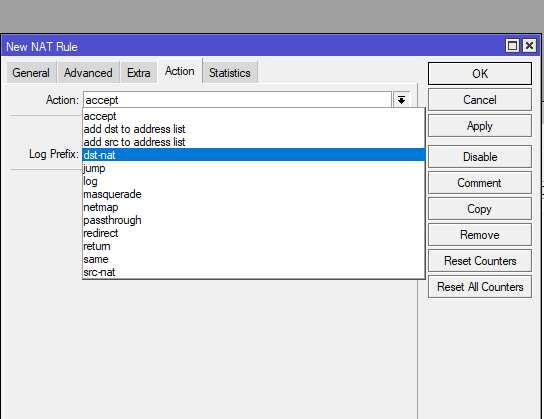
Enter value for “To address“ – this is private ip of internal server (web server in our case).
Enter value for “To ports“ – this is port on private server (80 for http).
Click “Ok”. All done.